Missing Manuals resources
Looking for the Missing CDs? We’ve moved!
-
All Missing CD pages are now available at resources.oreilly.com/examples. Find the title you’re looking for using the “Search by name” field in the upper right.
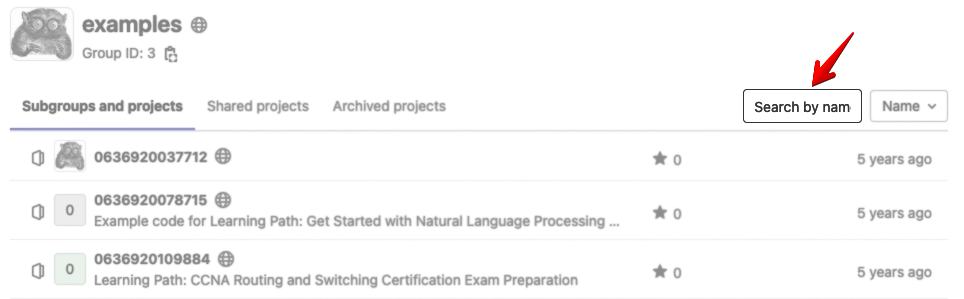
Then just click on the title to find the Missing CD contents.
-
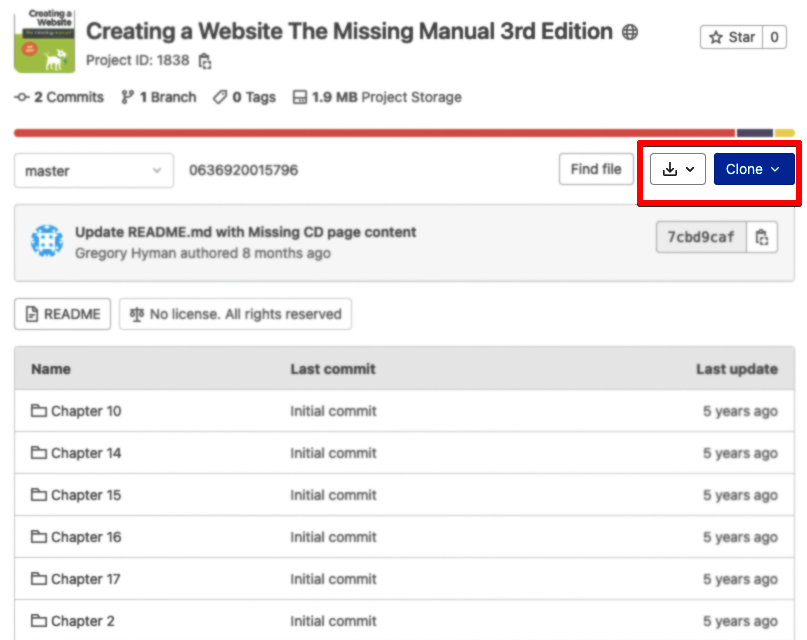
If a Missing Manual had example files or online-only content available, these will be visible in the first section of the page. You can navigate within these folders and open files directly in the GitLab user interface to read their contents. You can also download these resources (by tapping the Download icon) or clone the repo using Git.
-
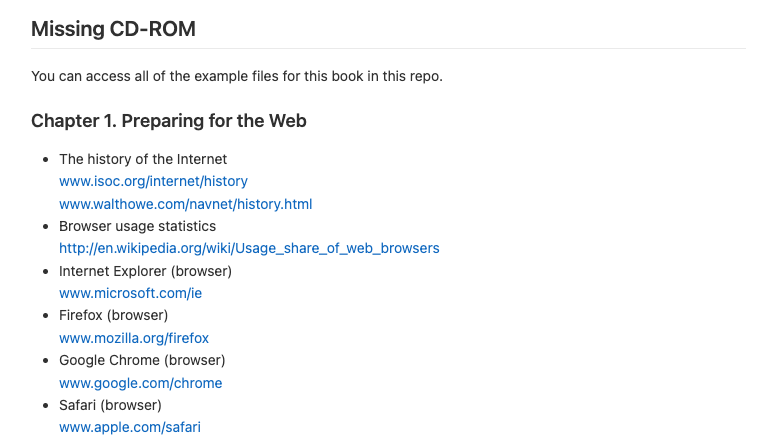
Links and other outside resources cited in the book are in the Missing CD-ROM section, which lives within the repo’s README file. You can view these either by clicking on the README button at the top of the page or the README.md link within the first list on the website, or by scrolling further down the page.
If you can’t find the resources or Missing Manual pages you need, please contact support@oreilly.com for assistance.